tesseract
| Introduction | |
| Download | |
| Install | |
| Add to PATH | |
| Find version | |
| Related articles |
Introduction
Tesseract is an optical character recognition engine for various operating systems.
It is free software, released under the Apache License.[1][6][7] Originally developed by Hewlett-Packard as proprietary software in the 1980s, it was released as open source in 2005 and development was sponsored by Google in 2006.
Download
Versions for
Windows
can be downloaded from Mannheim University website
uni-mannheim.de
Github
repo is
here
Install
Let's look at the installation using an example tesseract-ocr-w64-setup-v5.3.0.20221214.exe
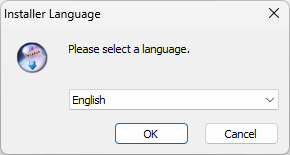
Choose Language
https://aredel.com
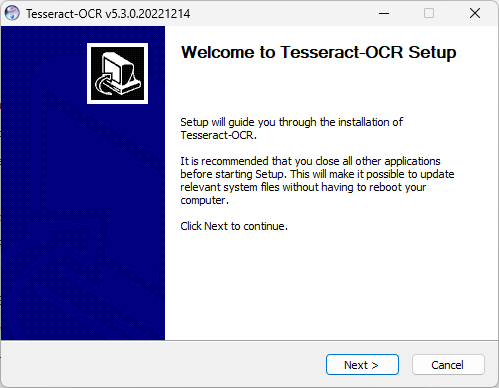
Click Next >
https://aredel.com
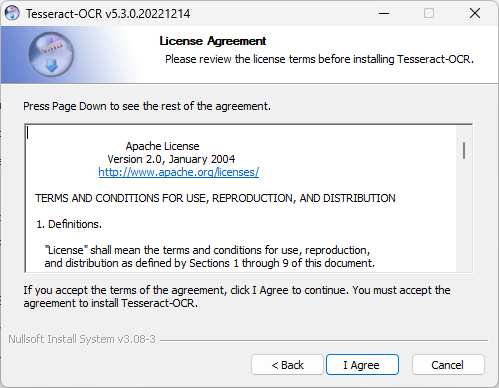
Click I Agree
https://aredel.com
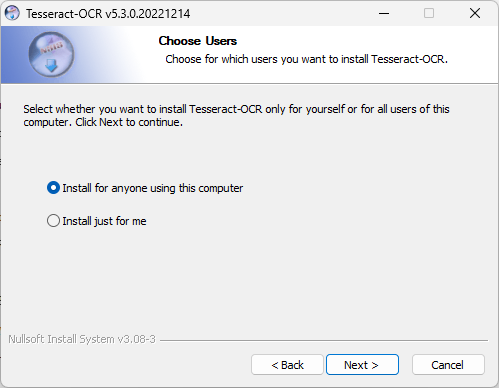
Click Next >
https://aredel.com
Click Next >
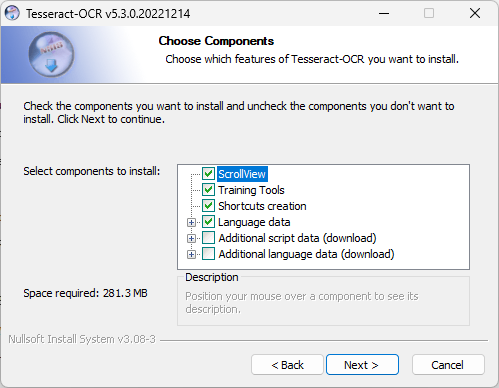
https://aredel.com
Click Next >
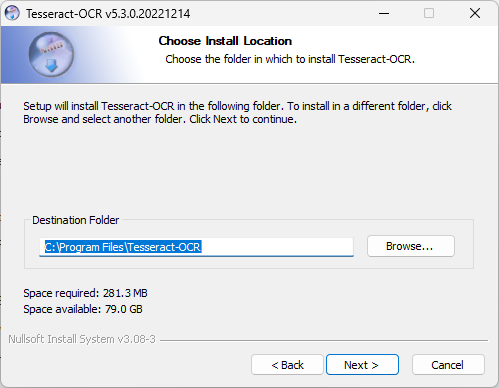
https://aredel.com
Click Install
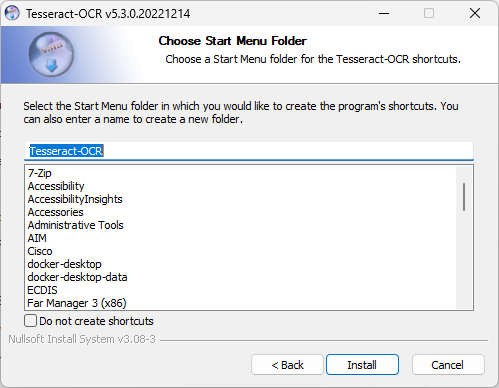
https://aredel.com
Click Next >
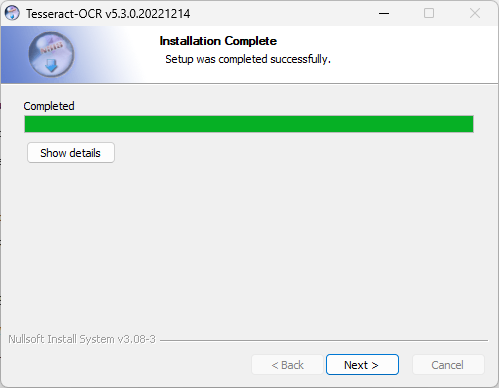
https://aredel.com
Click Finish
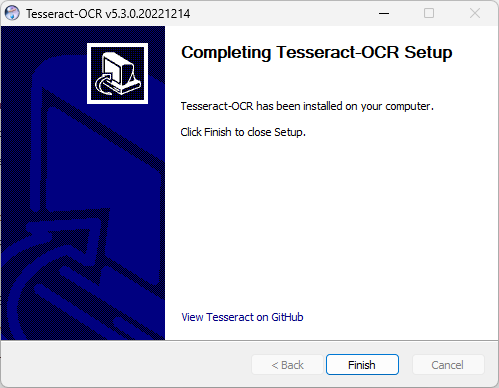
https://aredel.com
Add to PATH
You can add the path to Tesseract to the PATH system variable using the command PowerShell
$Env:Path += ';C:/Program Files/Tesseract-OCR'
Get Version
You can find out the Tesseract version using the command PowerShell
tesseract --version
tesseract v5.3.0.20221214 leptonica-1.78.0 libgif 5.1.4 : libjpeg 8d (libjpeg-turbo 1.5.3) : libpng 1.6.34 : libtiff 4.0.9 : zlib 1.2.11 : libwebp 0.6.1 : libopenjp2 2.3.0 Found AVX2 Found AVX Found FMA Found SSE4.1 Found libarchive 3.5.0 zlib/1.2.11 liblzma/5.2.3 bz2lib/1.0.6 liblz4/1.7.5 libzstd/1.4.5 Found libcurl/7.77.0-DEV Schannel zlib/1.2.11 zstd/1.4.5 libidn2/2.0.4 nghttp2/1.31.0
Article author: Andrei Olegovich
| Python | |
| Фреймворки |