RFID Hardware
RFID Printers
Zebra ZT410
To connect ZT410 to DHCP go to Network → Wired IP Protocol
Change it to DHCP
Go to Nework → Reset Network
Click Reset and wait because ZT410 does not have any «Success» message.
Then you can easily check the IP from main screen - it is displayed under PRINTER READY line
Sato
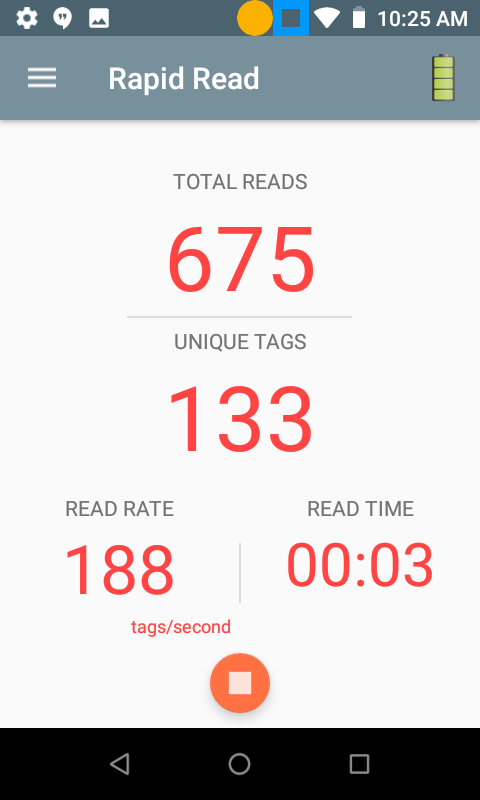
Как сделать скриншот на Zebra MC3330R
Нажмите один раз голубую кнопку внизу.
Зажмите одновременно кнопку питания и кнопку уменьшения мощности
Подробности на английском
здесь
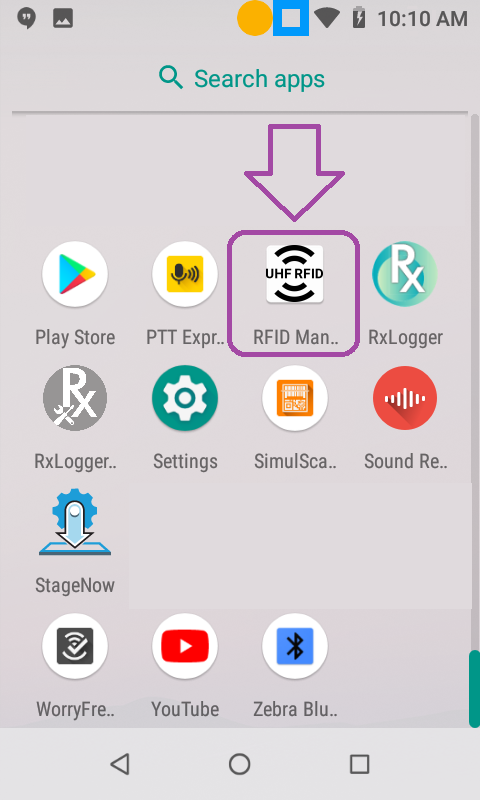
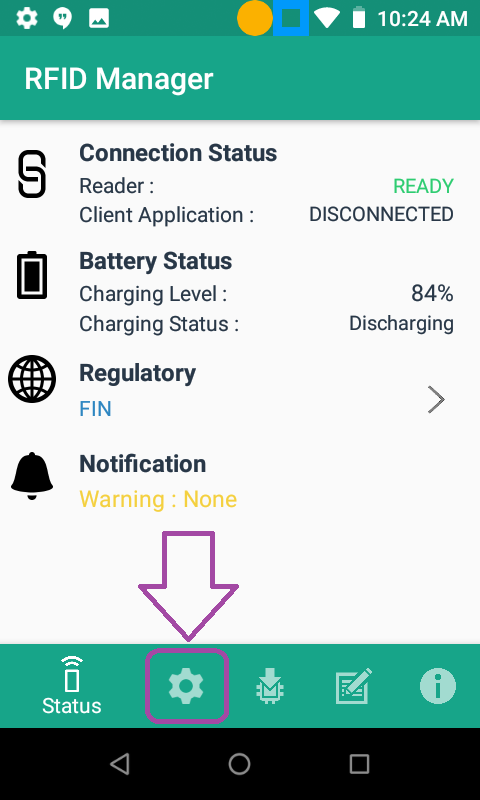
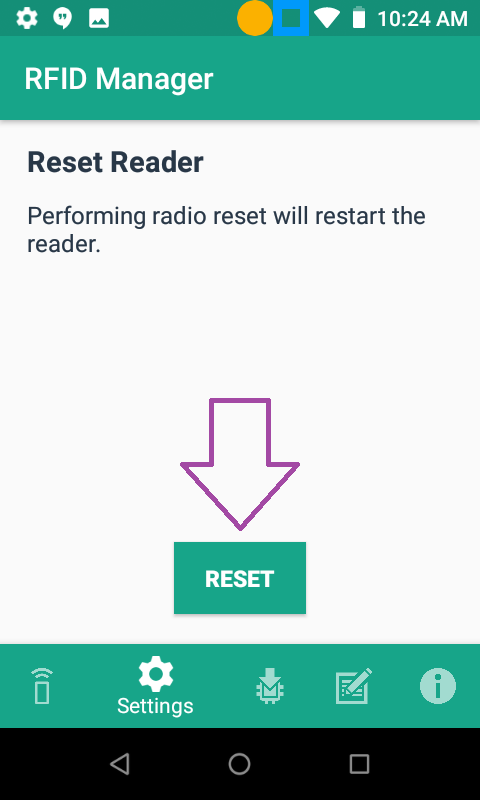
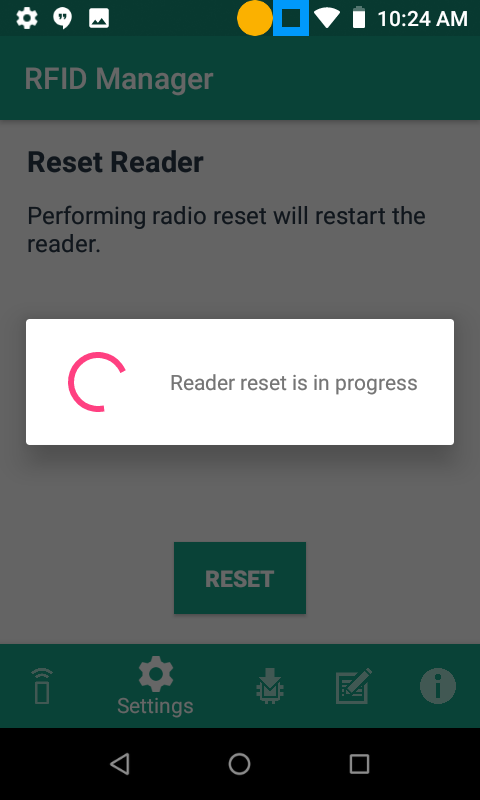
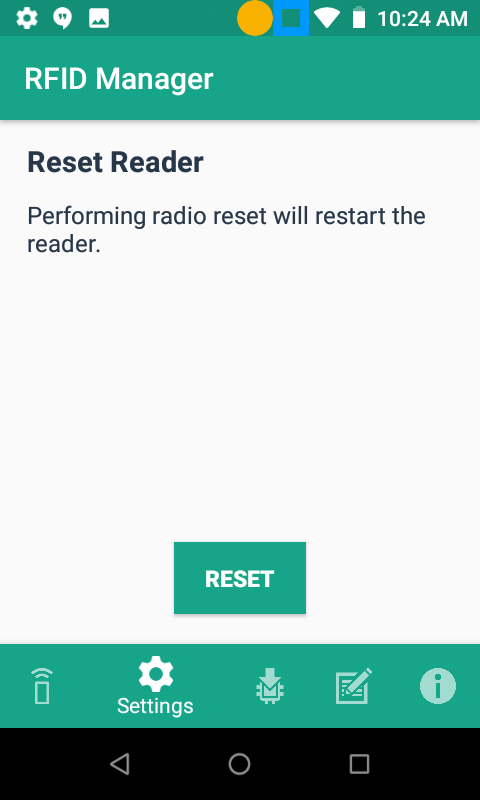
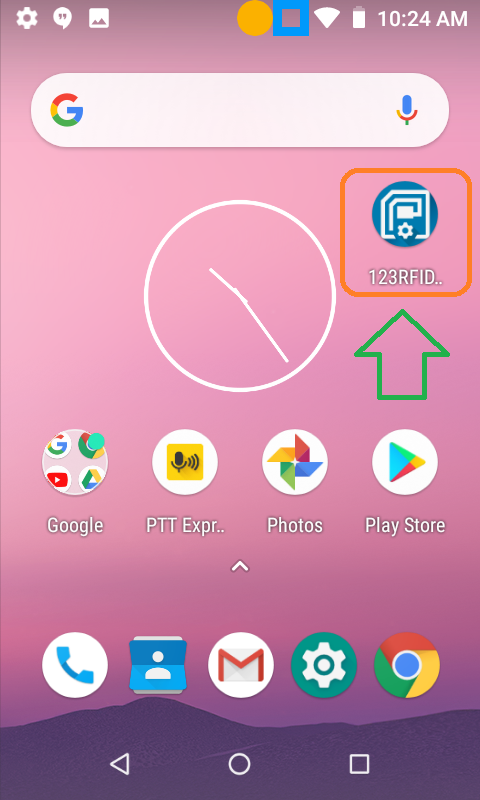
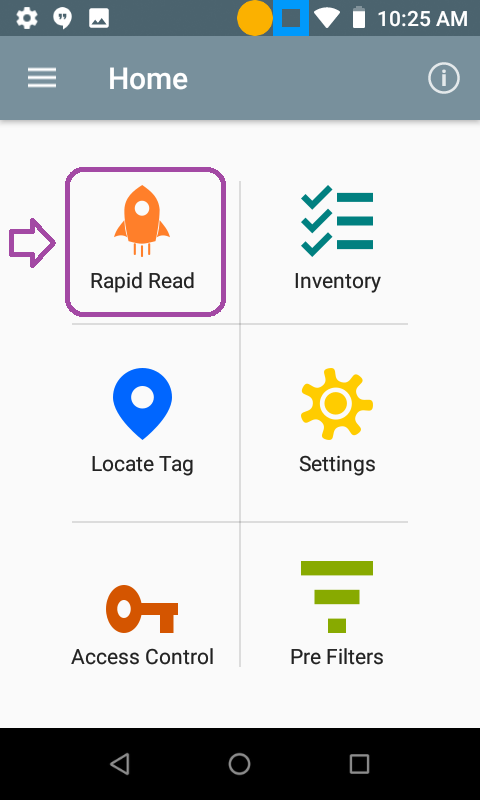
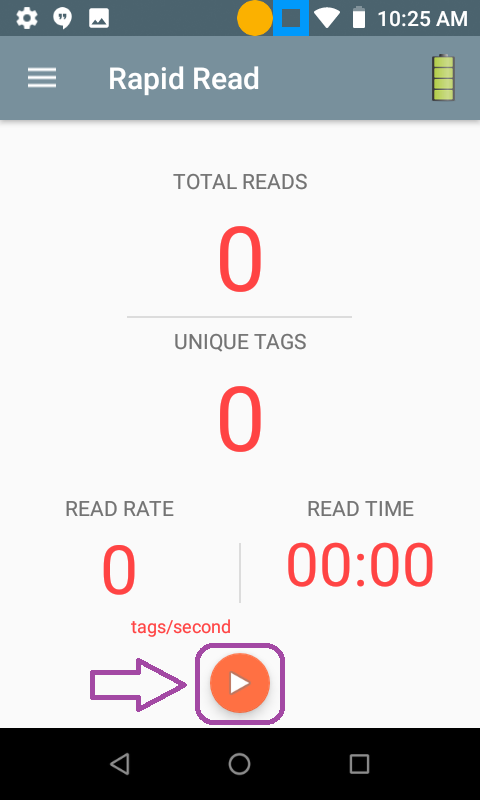
Как перезапустить RFID драйвер Zebra MC3330R

Article author: Andrei Olegovich
| ZPL | |
| ZPL FAQ | |
| A пример | |
| FT примеры |
