^FO — Field Origin: place fields on the label
ZPL course · ZPL FAQ
Command reference:
Labelary ZPL introduction.
Below, commands are bold,
parameters are colored,
field data stays plain.
^FO — Field Origin: place fields on the label
Goal
Place fields anywhere on the label with ^FO.
Description
^FO sets the upper-left corner of a field, in dots right (x) and down (y) from the label home.
Example
^XA
^FO20,20^A0N,28,28^FDFirst field^FS
^FO20,90^A0N,28,28^FDSecond field^FS
^XZ
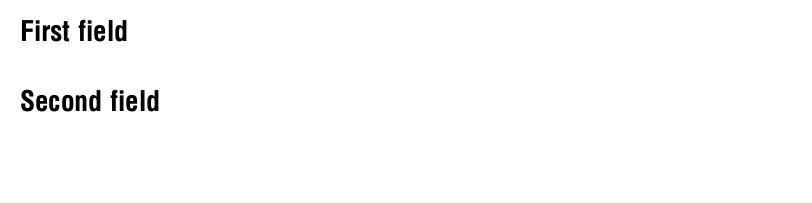
Result
Two identical fields — only their origins differ, so the second prints below the first.
Article author: Arthur Isaev
| RFID | |
| ZPL | |
| ZPL course: 54 lessons | |
| ZPL FAQ | |
| RFID tools |